I keep calendar.google.com pinned somewhere — a Cmd+Tab away, a bookmark in the toolbar, a tab I never close. None of those solves the actual problem, which is that I want my calendar visible. Not one click away. Not one keystroke away. Just there, on the side, while I work on something else.
Firefox has a real sidebar — the kind that hosts extension panels alongside the main page; Bitwarden lives there, for example. I built a small extension that puts my Google Calendar in it.
What It Does
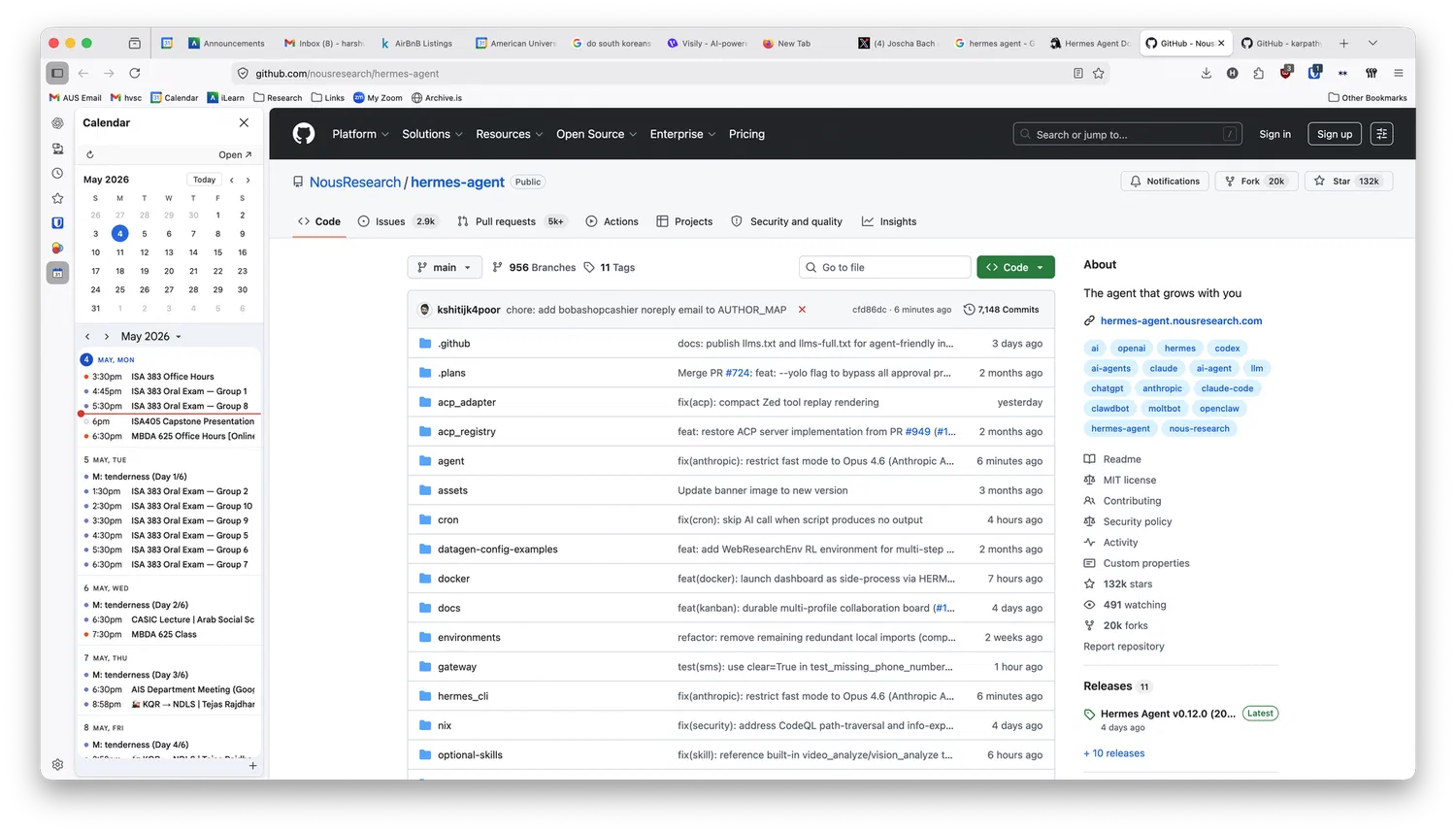
The sidebar has two parts. The top is a plain mini-month calendar: month name, prev/next, today highlighted, click any date to open that day in a new tab. Deliberately no events drawn on the grid; it stays out of the way. The bottom is a compact agenda of my Google Calendar, embedded directly from Google. A reload button, a settings gear, and an “Open in tab” button sit in a thin toolbar on top.
There’s a small options page where you set a Calendar ID (your Google account email, in the simple case) and an account index (0 for your first logged-in Google account, 1 for the second, etc.). Settings live in browser.storage.sync, so they follow the profile across machines. Mine are set once and I forget the page exists.
Building It
The extension is plain JavaScript — no framework, no build step, no dependencies. It uses Manifest V2, because Firefox supports it well and the sidebar_action API is what makes the whole thing possible.
Three pieces do most of the work. The agenda is Google’s htmlembed endpoint in an iframe — that endpoint, unlike most of calendar.google.com, is designed to be embedded. A small webRequest background script strips X-Frame-Options and Content-Security-Policy from Google’s responses, but only when the request comes from this extension’s sidebar; other tabs of calendar.google.com are untouched. The mini-month is custom JS, about eighty lines: build a 6×7 grid for the current month, pad with previous/next-month days, highlight today, hook prev/next/Today buttons. A content script also injects html { zoom: 0.85 } into the agenda iframe so more events fit at sidebar widths.
The whole thing is around 350 lines of code spread across manifest.json, sidebar.html, sidebar.js, options.html, options.js, content.js, and background.js.
A Caveat About Firefox Extensions
Unsigned extensions in Firefox only persist as “temporary add-ons” — they vanish on browser restart. To install permanently, you submit the package to Mozilla as an unlisted self-distributed extension; their tooling signs it, returns an .xpi, and that one installs forever. No public review for the unlisted track, so the round trip takes minutes.
The repo’s README has the exact web-ext sign command, and a xpinstall.signatures.required workaround if you’d rather use Firefox Developer Edition.
You can find the source on GitHub.
This project was orchestrated into existence by Claude Code.
Comments